

Icons
Critical High Medium Low
Ignored issues are shown using this icon
Actions
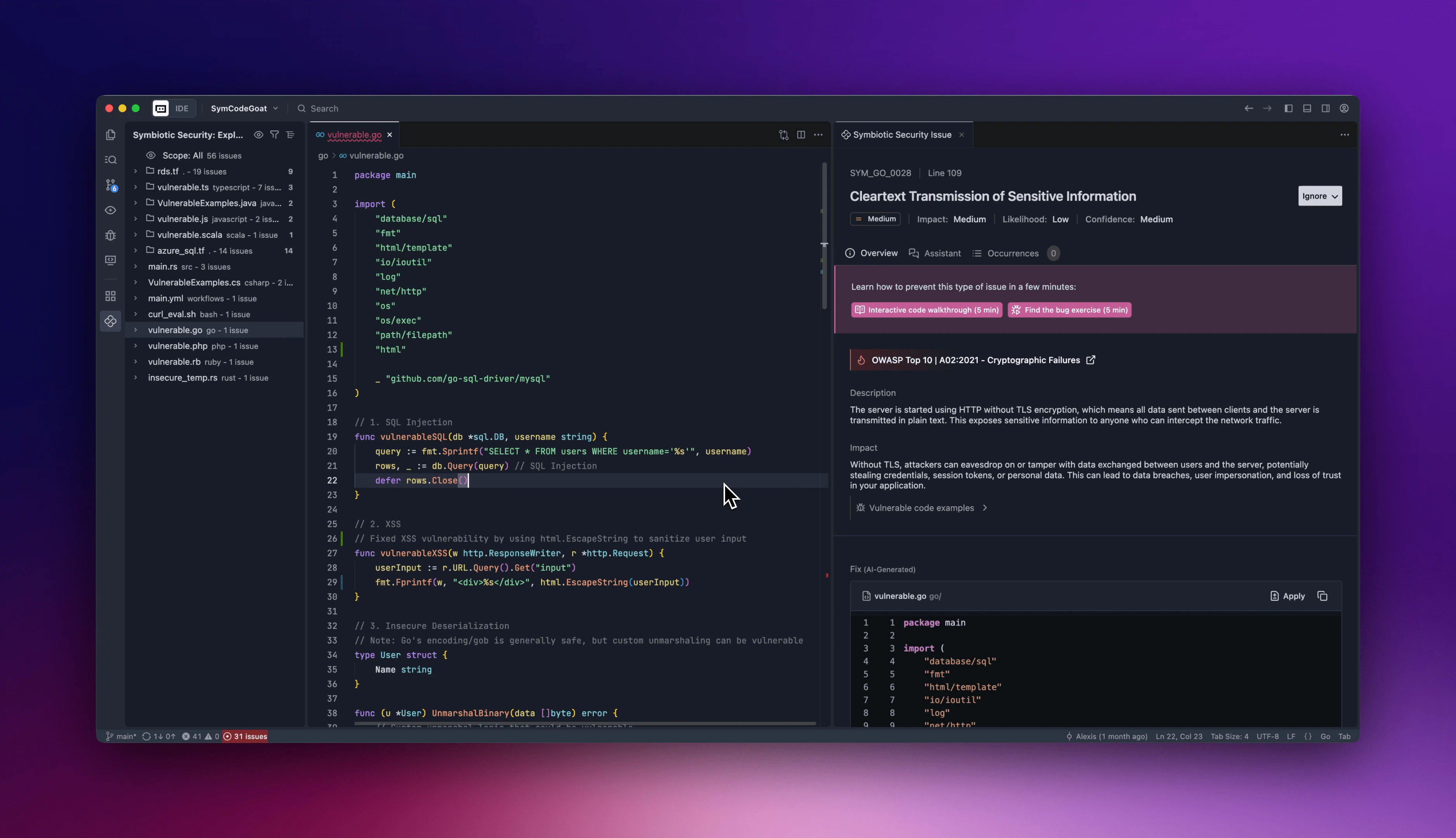
Using actions in the treeview you can filter issues, change the grouping or search for a specific vulnerability.Scopes
To see only issues relevant on your context, you can change the scope of the treeview by either :- Clicking on the scope at the top of the treeview
- Clicking on the icon at the top right of the treeview
- Using the command
Symbiotic Security: Change Scope
- All: Show all issues detected in the repository
- Local: Show only issues detected in staged files
- Branch: Show only issues detected in files modified in the current branch in the last 10 days
- Recent: Show only issues detected in files modified in the last 10 days
- Active: Show all non-historical issues
If the scope you have selected is empty you will be invite to change the scope or to reset your filters